




The cyan unleashed
for a limited time only
Liberated Eyewear only sells and partners with an independent manufacturer for our CYAN GS model purchased directly through Liberated Eyewear.
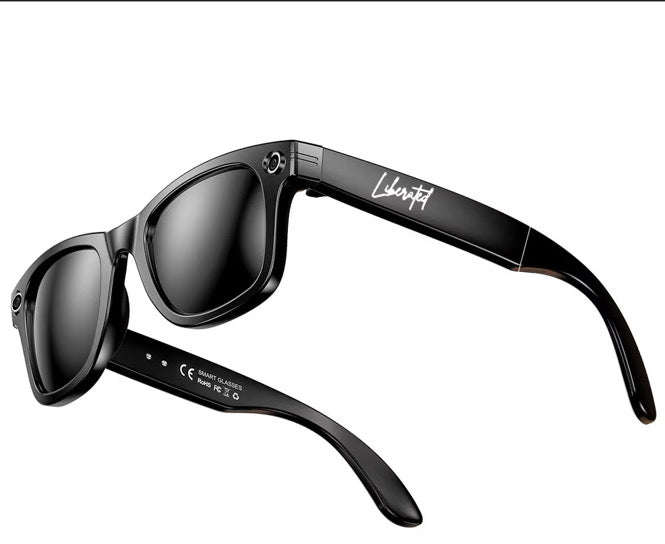
Be present in the moment record and take photos all from The Cyan AI Smart Glasses. Learn about the Cyan GS features, set up and troubleshoot.
AI Voice Assistant Powered by ChatGPT
Fashion-Forward Meets Future-Ready
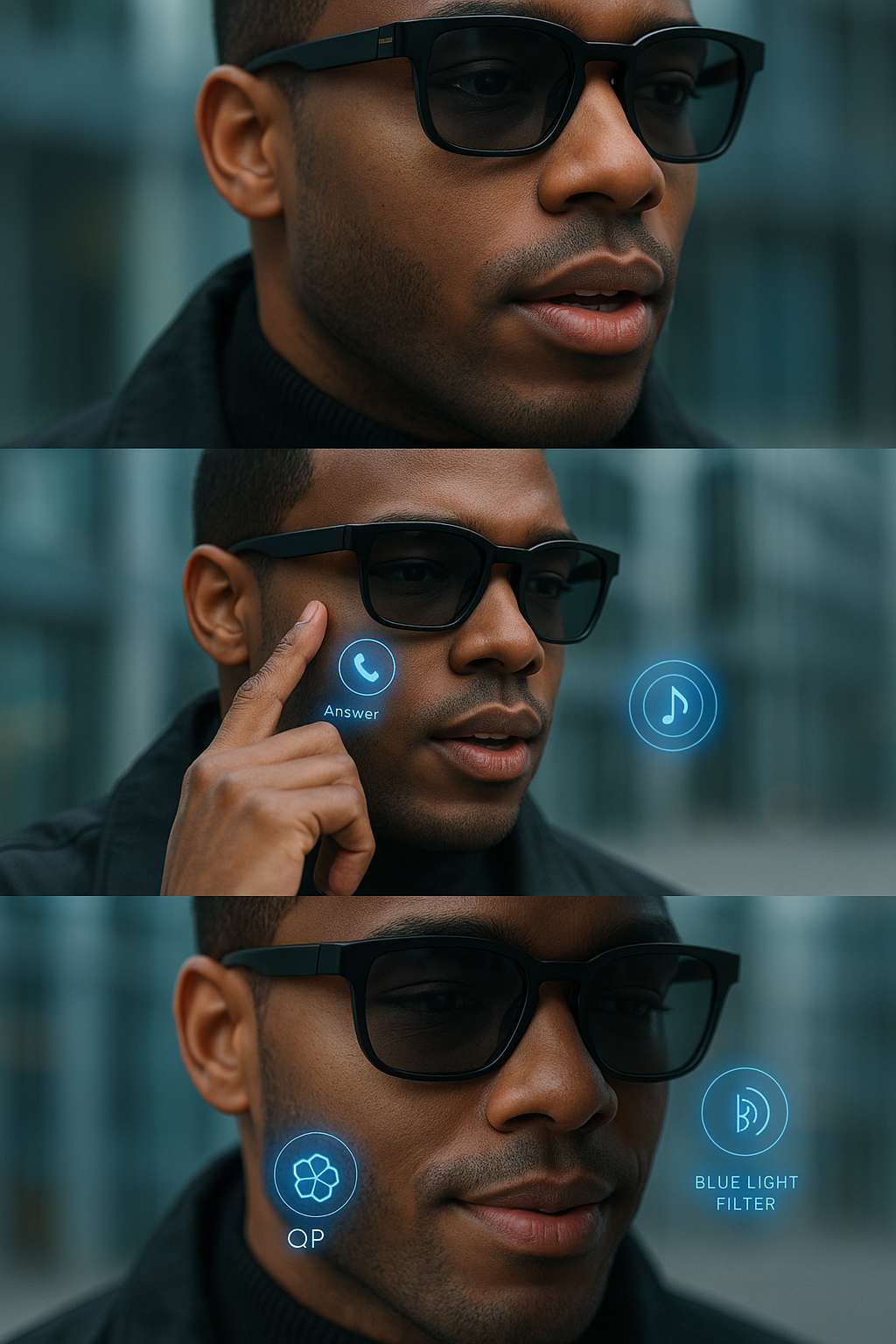
Our smart glasses come fully equipped with voice-interactive AI technology, powered by ChatGPT. Ask questions, get real-time info, set reminders, and control your content—all hands-free, all without breaking your stride.
Accessible to those who want to be Liberated
📣 “Hey Cyan, what breed of dog is in front of me.”
📷 “Take a photo.”
🧠 “What’s the weather in Tokyo?”
advanced features
Visual meets versatile


Function and Fashion
One Pair That does it all


HD Camera + Smart Video & Photography
✅ Auto Focus + Object Recognition
✅ Anti-share WiFi for secure streaming
✅ Save + share directly to your devices
✅Polarized sunglasses with UV protection
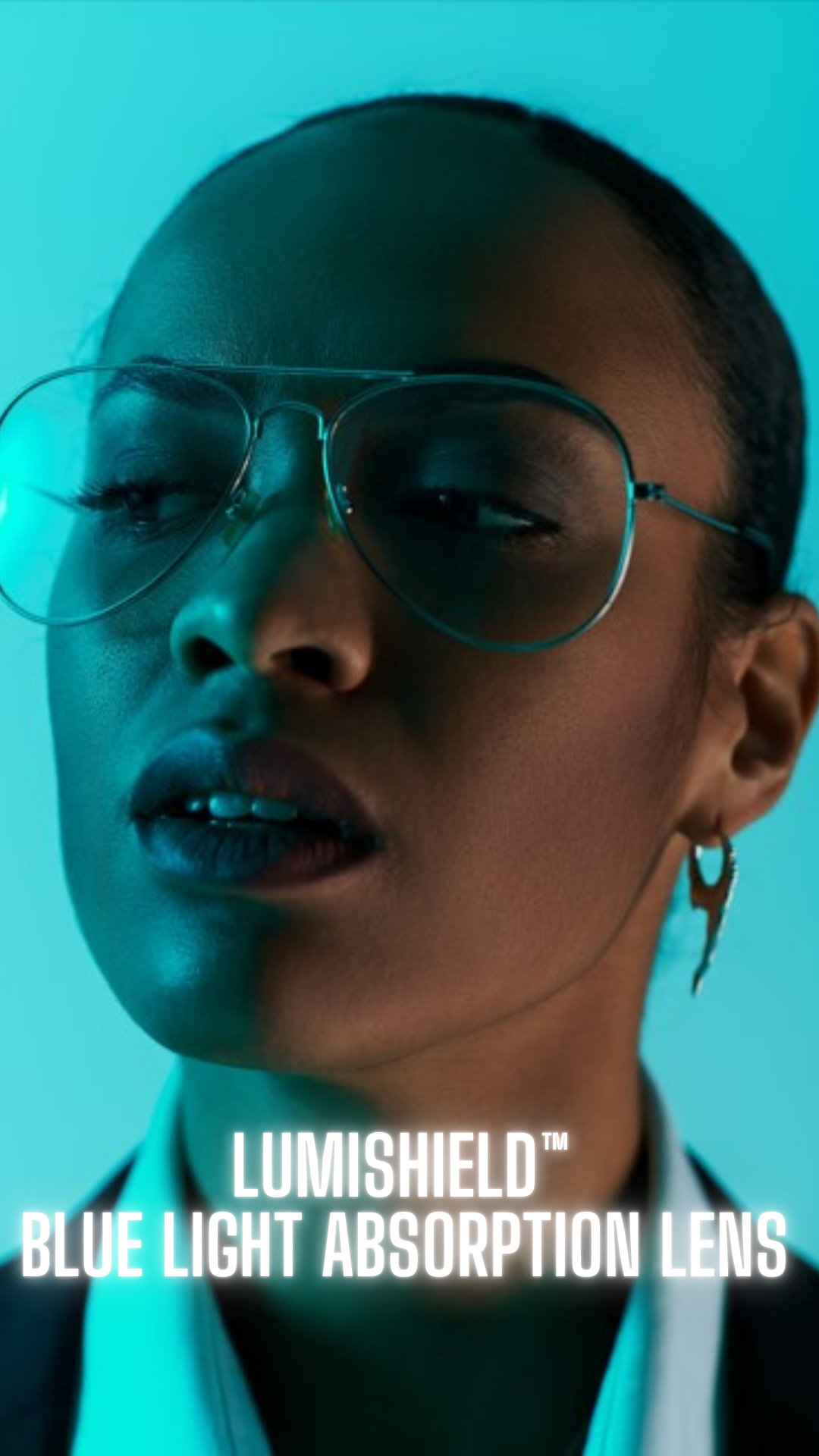
✅Blue light lens that helps reduce eye fatigue.
✅Photos in 4k
A world of fly and function
style, intelligence, and innovation
Welcome to the next generation of eyewear—where style, intelligence, and innovation collide. The Liberated Eyewear Cyan Smart Glasses are more than just an accessory. They're your wearable command center—designed to keep you connected, protected, and fully in control of your day.
✔️ Capture HD photos + video
✔️ Smart object recognition for visual cues
✔️ Use for AR-assisted productivity and accessibility
✔️ Clean, fashion-forward silhouette for daily wear
Built Tough. Tested to Perform.
Liberated Smart Glasses are IP67 waterproof tested, making them ready for real life. Rain, sweat, or splash—we’ve got you covered.
🛡️ Certified with:
FCC
CE
ROHS
CNAS
Declaration of Conformity (DOC)
IP67 Test Report
early adoptoers needed
Be the first to take a step into the future with customizable open CYAN GS Model Gen-1 Smart Glasses. We'll add swappable standard blue light lens to protect your eyes, polarized sunglasses to block harmful UV rays.
Become an Early Adopter While Supplies Last
ADD YOUR PRESCRIPTION WITH CLARITYCTRL HD Digital Lens for Gen-2!
CYAN GS Smart Glasses — FAQ
Help Center / Support Hub
Beta Product Disclaimer
Thank you for being an early adopter of our Smart Glasses.
Please note that this product is currently offered in beta testing. Performance, features, and functionality may not operate at maximum efficiency or represent the final version as we continue to tweak it's features.
Liberated Eyewear does not guarantee flawless operation, uninterrupted performance, or complete accuracy during this beta phase. By purchasing or using the Smart Glasses in beta, you acknowledge that the product is still under development, may contain bugs or limitations, and is provided “as is,” without warranties of any kind, express or implied.
We appreciate your feedback as we continue improving this next-generation eyewear experience..
How to set up or trouble shoot the Cyan
We get it new tech can be daunting check out our YouTube video to learn how to set up the Cyan:
Basics & Fit Are these prescription-friendly?
Not available for Gen-1 Beta Version
In the future Gen-2. CYAN can be fit with prescription lenses by our lab partners. Single-vision is straightforward; progressives need proper PD/seg measurements. If you’ve got a tricky Rx (high cyl or prism), we’ll advise best lens materials/coatings.
CYAN GS Smart Glasses — BETA PACKAGE INSERT
(Read me first. Two minutes. Big payoff.)
What you’re holding
You’ve got an early production run of CYAN™ smart glasses. Hardware is production-grade; software is still getting tuned. That’s what “Beta” means: real product + frequent updates + your feedback guiding the polish.
What’s in the box
CYAN™ Smart Glasses
Charging cable / contacts
Soft case + microfiber cloth
Quick-start card (QR to app + setup)
Fast setup (3 steps)
Charge before first use (dry ports first if damp).
Download the CYAN App and follow the pairing prompts.
Update firmware in-app. Keep auto-updates on for fixes & new features.
Beta status (what to expect)
You may encounter small bugs or behavior changes as we optimize.
Features can improve, shift timing, or be retired based on real-world data.
Performance varies with lighting, motion, network, and temperature—normal for wearables.
Plain English: We’re still tuning the engine. You’re in the driver’s seat—tell us what feels great and what needs work.
Recording & indicators
LED = On while capturing. Be respectful—ask before you record.
Some locations are a hard no (restrooms, locker rooms, exams, medical settings).
Laws differ by region, especially for audio. When in doubt, get consent.
Safety basics
Driving: Don’t interact with features, record, or stream while operating a vehicle.
Water: Splash-resistant, not waterproof. No swimming, showers, or saunas.
Heat/Cold: Use and charge between ~32–95°F (0–35°C).
Not PPE: These are not safety goggles and not for staring at the sun.
Health & RF: Uses low-power radios tested to regulatory exposure limits. Use as directed.
Battery & charging
Normal use lasts through the day; continuous video shortens runtime.
Use the included cable/adapter. Dry contacts before charging.
Battery performance dips in extreme temps—this is expected.
Care
Clean lenses with the included cloth and lens-safe cleaner.
Avoid solvents, aerosols, and high-pressure air.
If you see residue around contacts, power down, clean gently, let fully dry.
Data & privacy
Your captures are yours. You control what’s saved and shared.
The app requests only the permissions needed for features you enable.
You can disable cameras/mics in settings and power down sensors completely.
Warranty & returns (Beta)
Warranty: One-year limited warranty against manufacturing defects.
Exclusions: Accidental damage, loss, and misuse aren’t covered (ask about Protection Plans).
If something critical breaks: We’ll communicate fixes or next steps promptly via the app/email.
Limitations & disclaimers (read this part)
CYAN (Beta) is provided “as is” during the Beta phase; maximum efficiency isn’t guaranteed.
Features, performance, and availability may change via updates without notice.
By using CYAN in Beta, you acknowledge there may be bugs, limitations, or interruptions.
Feedback = upgrades
Spotted a bug? Have a feature idea? Drop it in the app’s Feedback section.
Your notes go straight to the team and influence upcoming builds.
Support
Help Center & Tutorials: (QR code to your URL)
Email: support@liberatedeyewear.com
App: Settings → Help & Support
Compliance
Designed to comply with applicable radio, safety, and consumer standards. Use only as instructed.
Thanks for being early.
You’re not just wearing CYAN—you’re shaping it. Keep auto-updates on, keep the LED honest, and go make something worth remembering
Care, Repairs & Warranty
Use a microfiber cloth + lens cleaner. Avoid solvents, aerosols, and high-pressure air.
Can I replace lenses later?
Yes—our lab can re-edge lenses for most prescriptions and tints.
What if they get wet or sweaty?
Dry thoroughly before charging. If corrosion or residue appears around contacts, gently clean and let fully dry. (Splash-resistant ≠ waterproof.
What’s the warranty?
One-year limited warranty against defects; accidental damage and loss aren’t covered (add Protection Plan if you live dangerously).
Warranty: One-year limited warranty against manufacturing defects.
Exclusions: Accidental damage, loss, and misuse aren’t covered (ask about Protection Plans).
Do they block UV and manage blue light?
Yep—full UV protection plus blue-light filtering options. (We recommend this for long screen days and night-drive comfort.)
Are they water/sweat resistant?
Rated for everyday splashes and light rain—not swimming or showers. Wipe dry after exposure; don’t charge if ports are wet. Industry leaders call this “IPX4—splash resistant, not submersible.”
Battery, Charging & Performance?
How long does the battery last?
All-day casual use for photos/voice control; continuous video or streaming shortens runtime (that’s true across the category). Quick top-ups via the case/cable keep you going.
Can I use a fast-charger?
Use the included cable/adapter. High-watt bricks won’t charge faster and can stress batteries.
Will cold or heat affect battery life?
Yes—extremes reduce performance. Keep between ~0–35°C (32–95°F).
Camera, Mic & Privacy (the big one)
Is there a recording indicator?
Yes—CYAN shows a visible LED while capturing. Still, be a good human: ask before filming. Some locations (gyms, bathrooms, private spaces, classrooms) are a hard no. Liberated Eyewear will not be held liable for recording in prohibited places
Is recording people in public legal?
Depends where you are. Many U.S. states allow recording in public but audio rules vary (one-party vs. all-party consent). When in doubt, get consent. For a state-by-state overview, see these resources. Reporters Committee+2Matthiesen, Wickert & Lehrer S.C.+2.
Learn More in our Privacy Policy
Safety & Health
What about “radiation”—are these safe to wear all day?
CYAN uses low-power Bluetooth/Wi-Fi radios that must meet FCC exposure limits to be sold in the U.S. Public-health guidance notes wearables typically emit well below those limits. Translation: non-ionizing RF, regulated, and considered safe when used as directed. CDC+1
Any special warnings?
Smart glasses are not safety goggles, not for staring at the sun, and not for high-impact protection—industry test reports spell that out. FCC Report
Can I drive with them?
Treat them like any device with a display/camera—don’t record, livestream, or interact with features while driving. Some states restrict displays visible to drivers. Eyes on the road; features o
Can I turn the cameras/mics off?
Yes. You can fully disable capture in settings and power-down sensors. When off, they can’t record.
If you do not want your Cyan AI Voice Assistance to fire off please press the back button on the right arm of the glasses to end the AI voice assistance chat. Otherwise, Cyan will randomly respond as the AI voice assistance is still active.
Compatibility & App
iOS or Android?
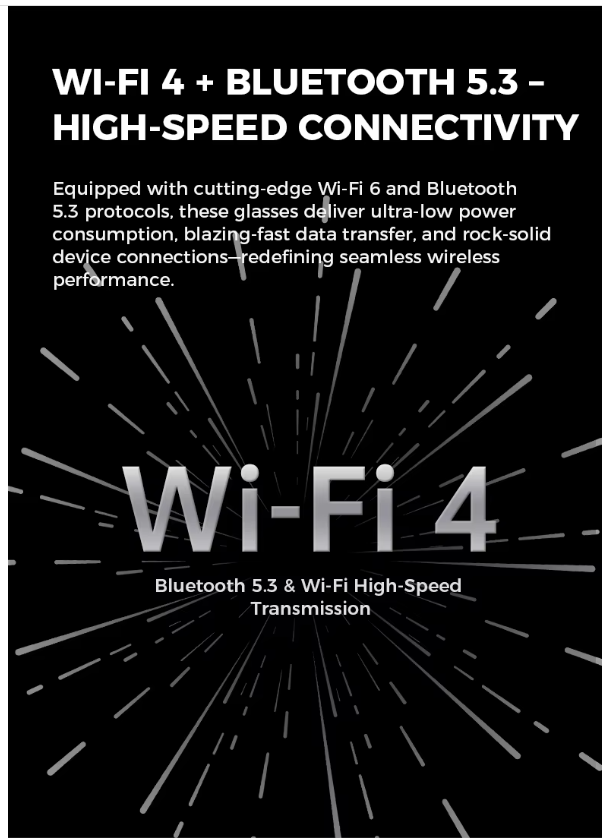
Both. You’ll use the CYAN app for setup, firmware updates, capture settings, and privacy controls.Make sure your firewall app is current at all times
Do they work without the app?
Core functions (take photos, basic video) work, but the app unlocks updates and cloud backup.
Content Quality
How good are photos and video?
Wide-angle, social-ready. Great outdoors/daylight; indoors your results depend on lighting (same physics as phones). Quick tip: keep lenses clean and steady your head for 1–2 seconds when you shoot.
Audio quality?
Beam-forming mics reduce ambient noise for voice notes and quick clips; windy or crowded environments will still affect clarity (true for every wearable).
Data & Privacy Controls
Who owns my content?
You do. By default, capture saves to your device/app. You control sharing. We don’t sell your personal content.
What data do you collect?
Device diagnostics (to keep things working), basic analytics (to improve features), and only the permissions you approve. You can opt out of non-essential analytics in settings.
Early Adopter
What’s an “early adopter”?
Short answer: You’re the first wave.
Long answer: Early adopters are the customers who jump in before the masses. You get first access to new features, help shape the roadmap with your feedback, and usually snag limited perks (exclusive drops, priority support, invite-only updates). In return, you accept that things may evolve fast—firmware updates, feature tweaks, and the occasional “oops, we fixed it” patch. Think VIP + co-pilot.
Why be an early adopter?
First to try the latest CYAN features
Priority feedback channel (we actually read it, then ship)
Early access perks and member-only updates
What to expect:
Regular software updates
Feature improvements based on real-world use
What does it mean that CYAN GS is in “Beta”?
Short answer: It’s a polished prototype you can buy and use while we finish dialing it in.
Long answer: “Beta” means the hardware and core experience are ready for daily use, but performance and features are still being tuned. You may see small bugs, missing niceties, or battery/recording behavior we’re actively optimizing. Your feedback directly influences what ships in the general release.
What Beta is:
Real product, real warranty, real support
Frequent firmware/app updates
A direct line for feedback that shapes the next build
What Beta isn’t:
A guarantee of maximum efficiency at all times
Final feature-set (some items may change, ship later, or be retired)
Indestructible (still not swim goggles, still obey local privacy laws)
Your role in Beta:
Use it in the wild, report what’s great and what’s weird
Keep auto-updates on so you get fixes and improvements
Follow the “Responsible Recording” rules (LED on, ask before you film)
Returns & warranty (Beta):
Covered by our standard warranty against defects
Accidental damage/loss not included (add a protection plan if you’re clumsy)
If a critical issue pops up, we’ll communicate fixes or next steps promptly
Bottom line: Early adopters get the head start; Beta means we’re still tuning the engine—with you in the driver’s seat (and yes, features OFF while actually driving).